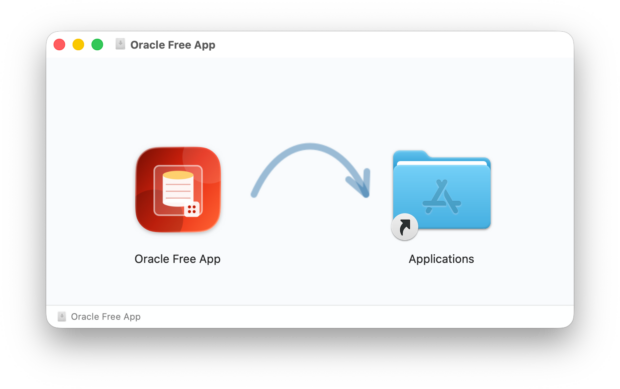
I’m a Mac user, I have been for many, many years. So long that I don’t even remember anymore when I made the switch from Windows to Mac. As a Mac user, I know how nice a user experience it is to just drag and drop an app into the Applications folder, double-click on it, and just have your app running. No lengthy install, no registry leftovers when you delete it, etc. Although technically speaking, I’ve seen that there are a lot more files left over these days in the ~/Library/Application Support folder than there used to be. But anyway, Mac is made for graphical user interfaces.
Oracle AI Database does not come as a Mac app. Oracle does not even provide a Mac-native port for the database (it does provide some Mac-native Instant Client libraries), and that is somewhat of a catch-22 situation. Oracle database software is ported to many operating systems and across multiple platforms. Adding another is not a 2-day job. It requires ongoing porting, testing, validation, and potentially certification work. Oracle does go through this work because its customers are running production systems on these platforms. But Apple is no longer in the server business, and here comes the catch-22. There won’t ever be a customer running Oracle databases in production on a Mac server, so a Mac port seems much less important than any other platform that customers (still) use for production environments. Even AIX is still a thing, believe it or not. So, currently, there is no Mac-native port of Oracle database software. But Oracle AI Database Free does run on Linux ARM, and hence, it can run as a podman container on a Mac ARM.
Yet Mac users expect Mac apps. And although these days I get by a lot with brew and podman/containers, I understand that some folks simply want to drag and drop an app on their Mac and have a graphical user interface. So, how can one make the containerized experience more Mac-like? Well, here it comes.
I’m not a Swift coder, never was. I wish I had had the time to learn Swift and code an iPhone app that would make me rich, but I just never got to it. But thanks to AI, I no longer have to be a Swift coder. I just have to be someone who can lay out requirements, validate, and steer the code generation. So I 100% vibe coded a Mac app that will give you an Oracle AI Database Mac app, leveraging the containerized binaries underneath.
Welcome to the Oracle Free App!
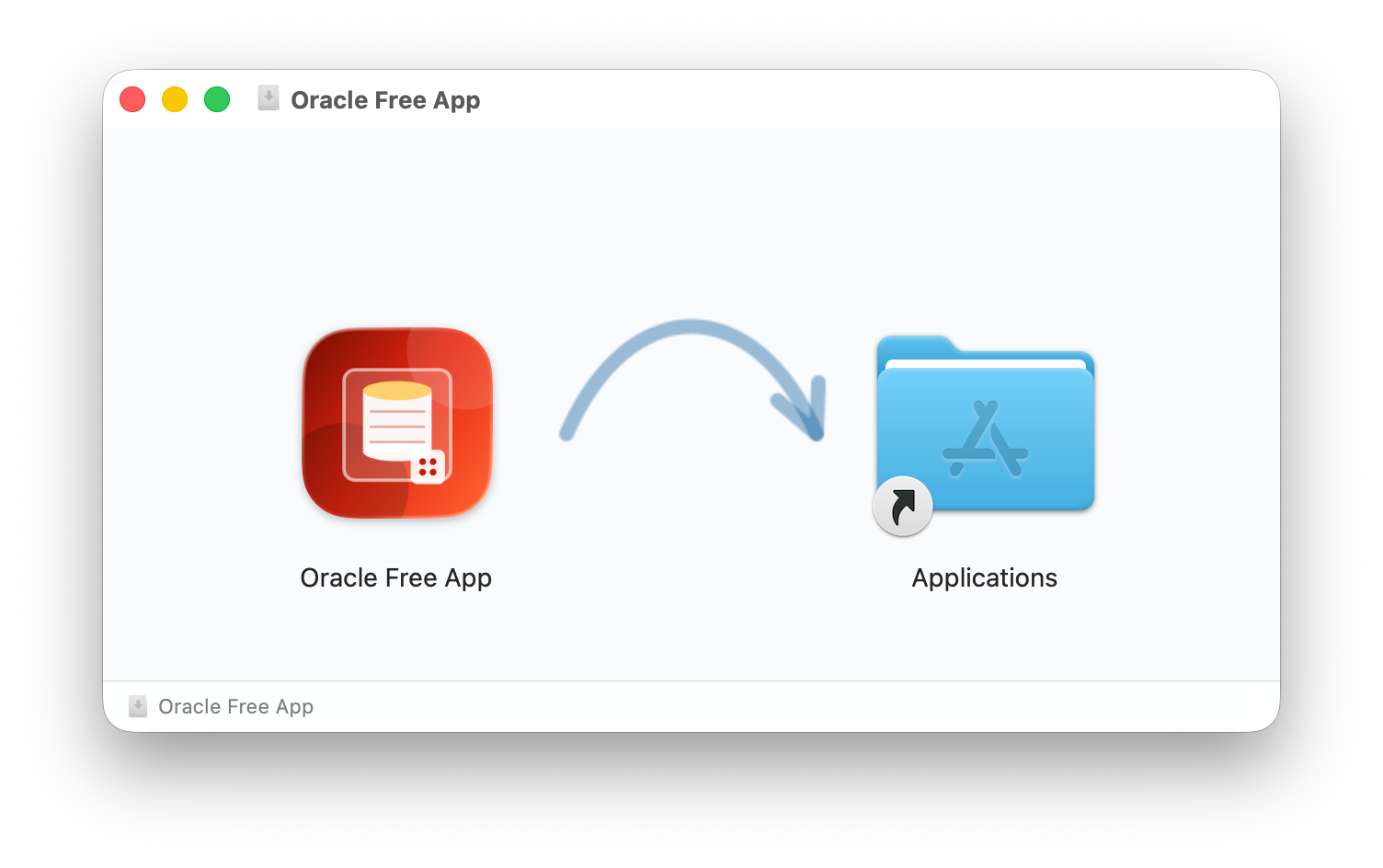
As I’ve said, I’m not a Swift coder, and although I did a quick sanity check of the code, I by no means will argue that the LLMs have generated perfect Swift code. That’s why the app is available under the MIT license at https://github.com/gvenzl/OracleFreeApp. MIT license means anybody can take the code and do whatever they want with it. I’m happy to accept pull requests, of course, and who knows, maybe this becomes its own little project with many contributors in the end, but by all means, take it and do whatever you need or want with it.
You can download the .dmg file in the Releases tab: https://github.com/gvenzl/OracleFreeApp/releases
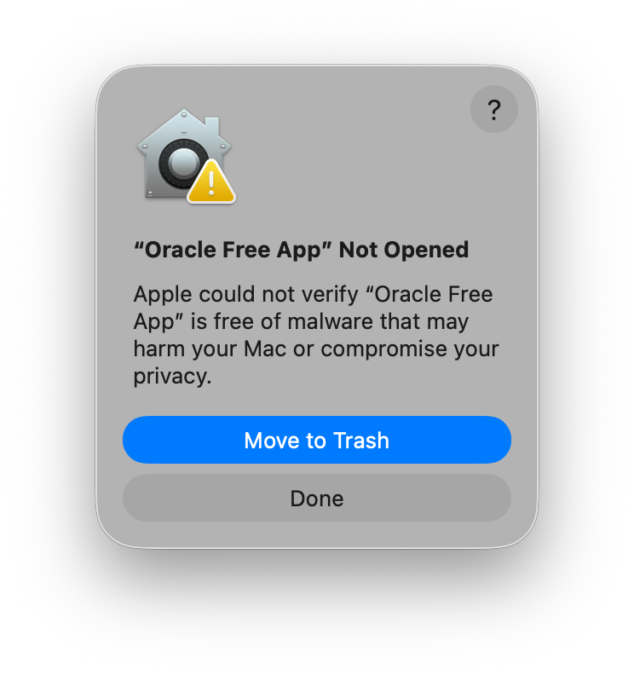
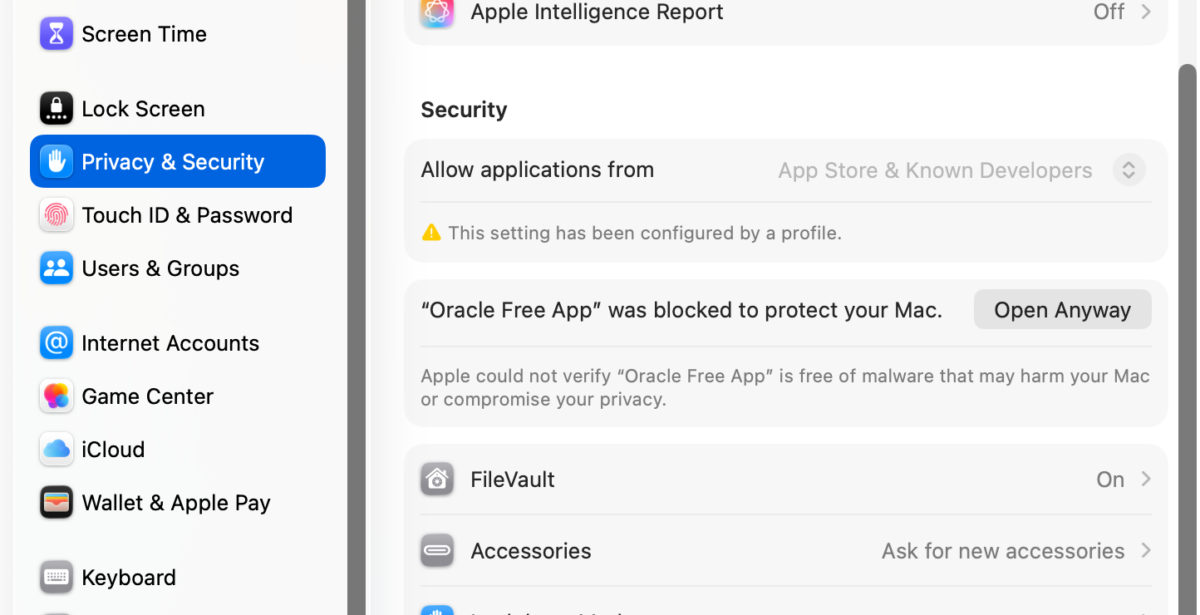
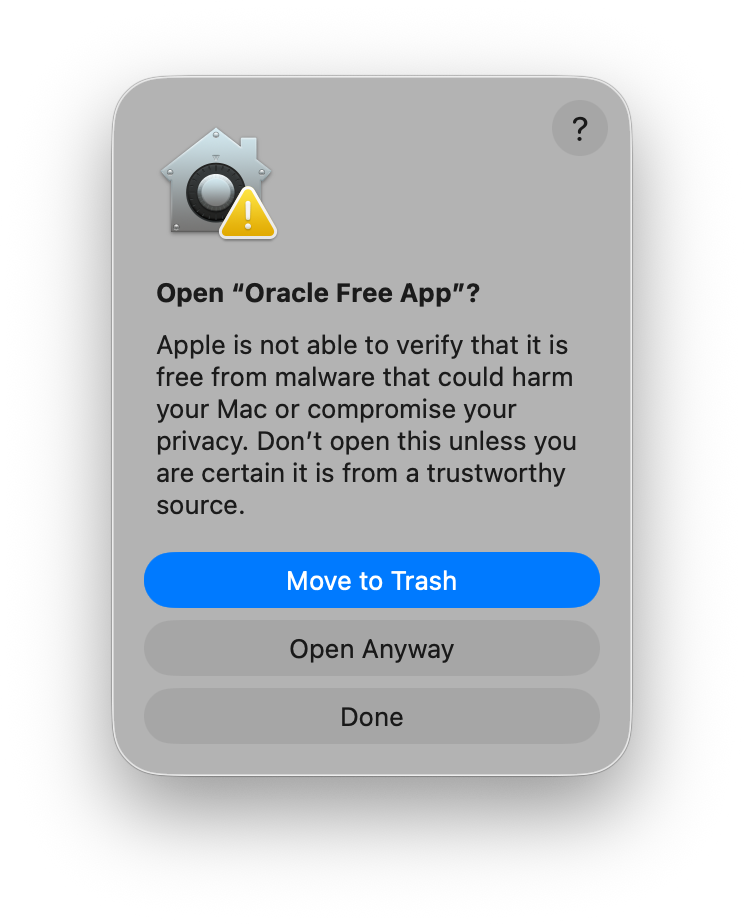
Upon opening, MacOS will throw the usual “You didn’t pay for an Apple developer account” or Apple could not verify... message. The way around it is to go to your System Settings –> Privacy & Security where you scroll down and say Open Anyway and once again Open Anyway.
What comes up is a new little app that talks to your container runtime. Currently, Docker, Rancher, and Podman are supported. If you have multiple runtimes, it will ask you which one to use. I have tested it with Rancher and Podman, but I am a Podman guy, as the screenshot shows:
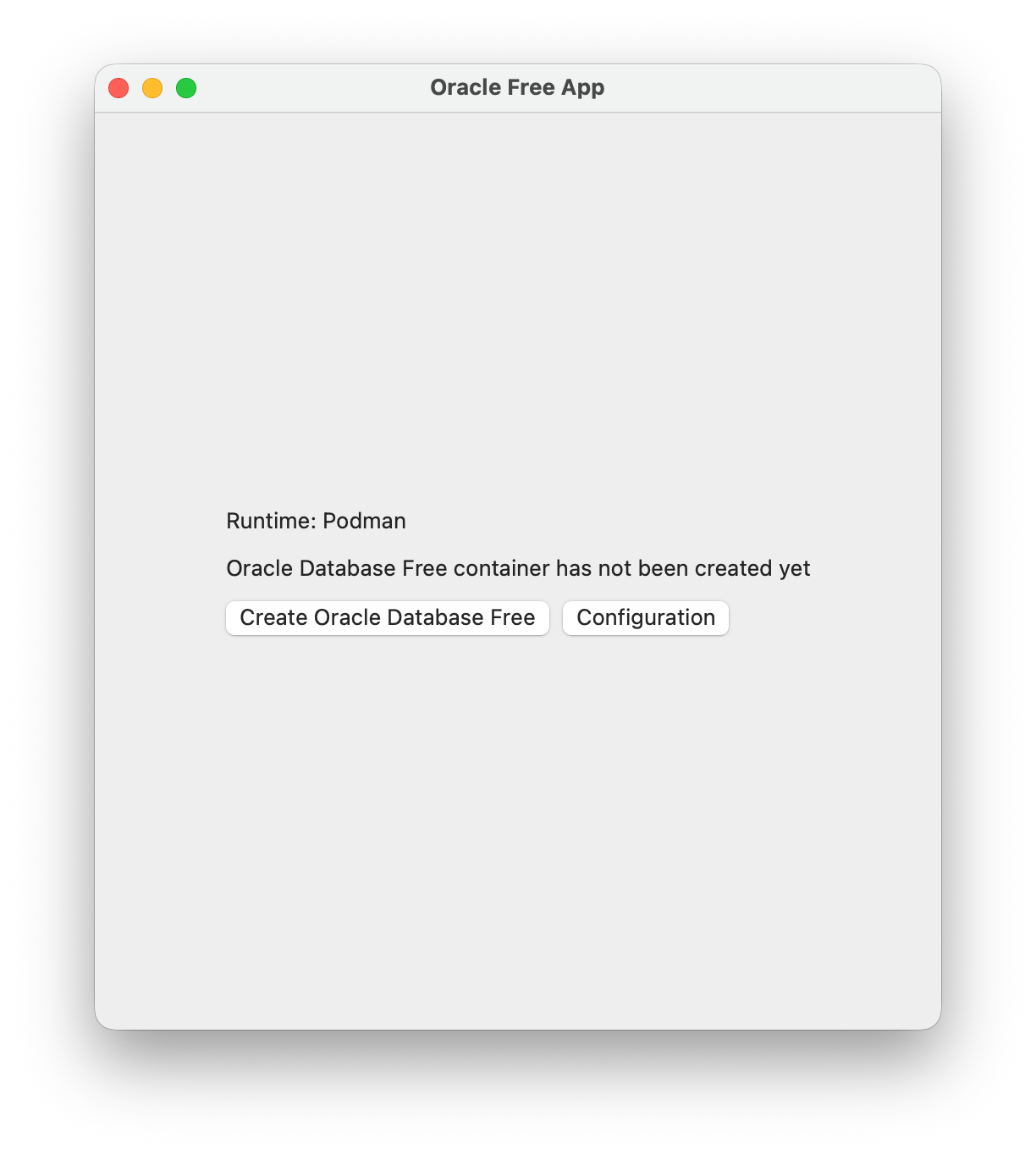
You have two choices:
- Change the default
Configuration Create Oracle Database Free(container)
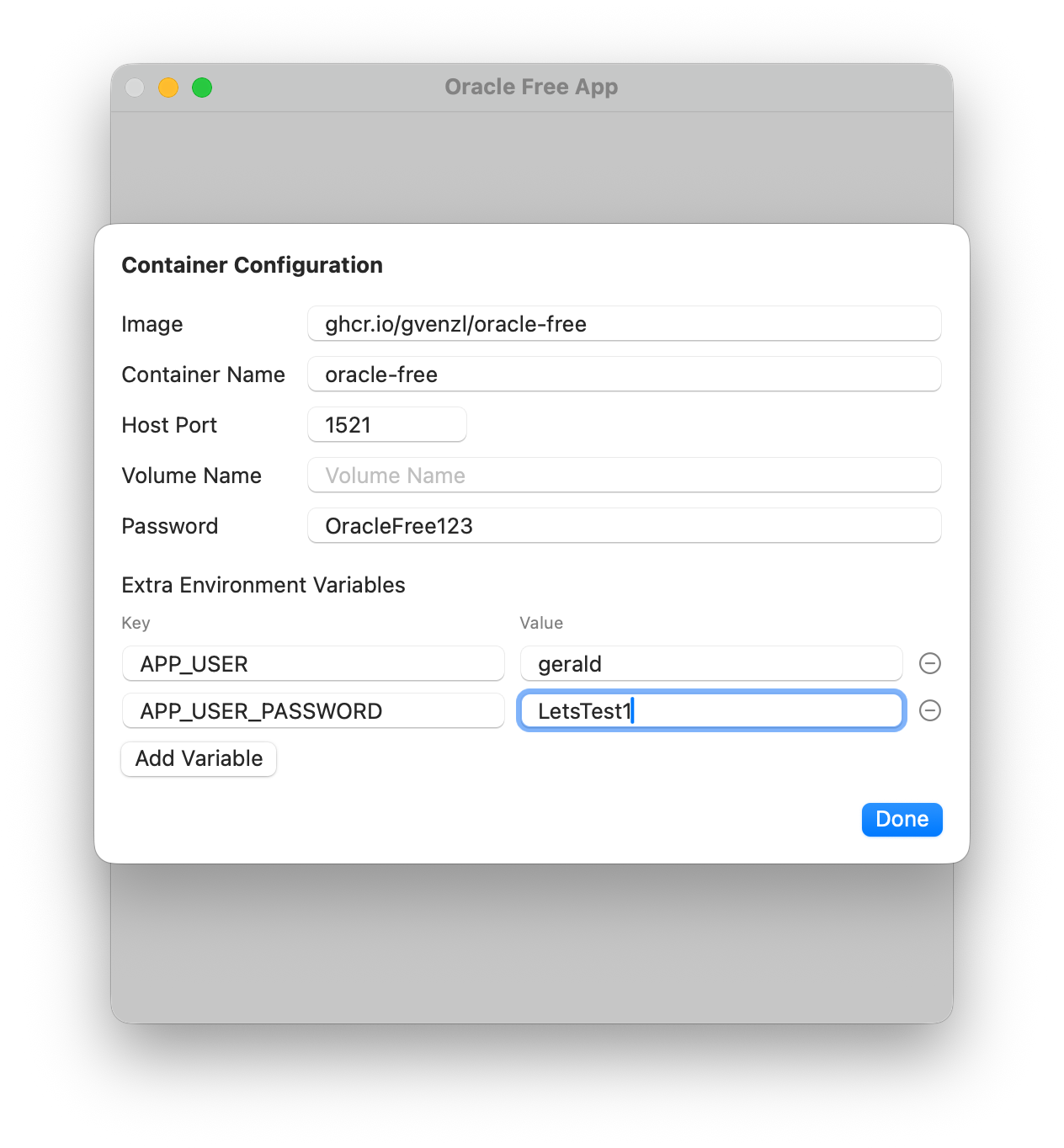
The configuration allows you to configure a couple of settings:
- Which image you want to use (but why would you ever want to use another one than the default 😉 )
- The container name, if you care
- The host port to forward to, default 1521
- The container volume, if any
- The Oracle password, default
OracleFree123 - Additional environment variables
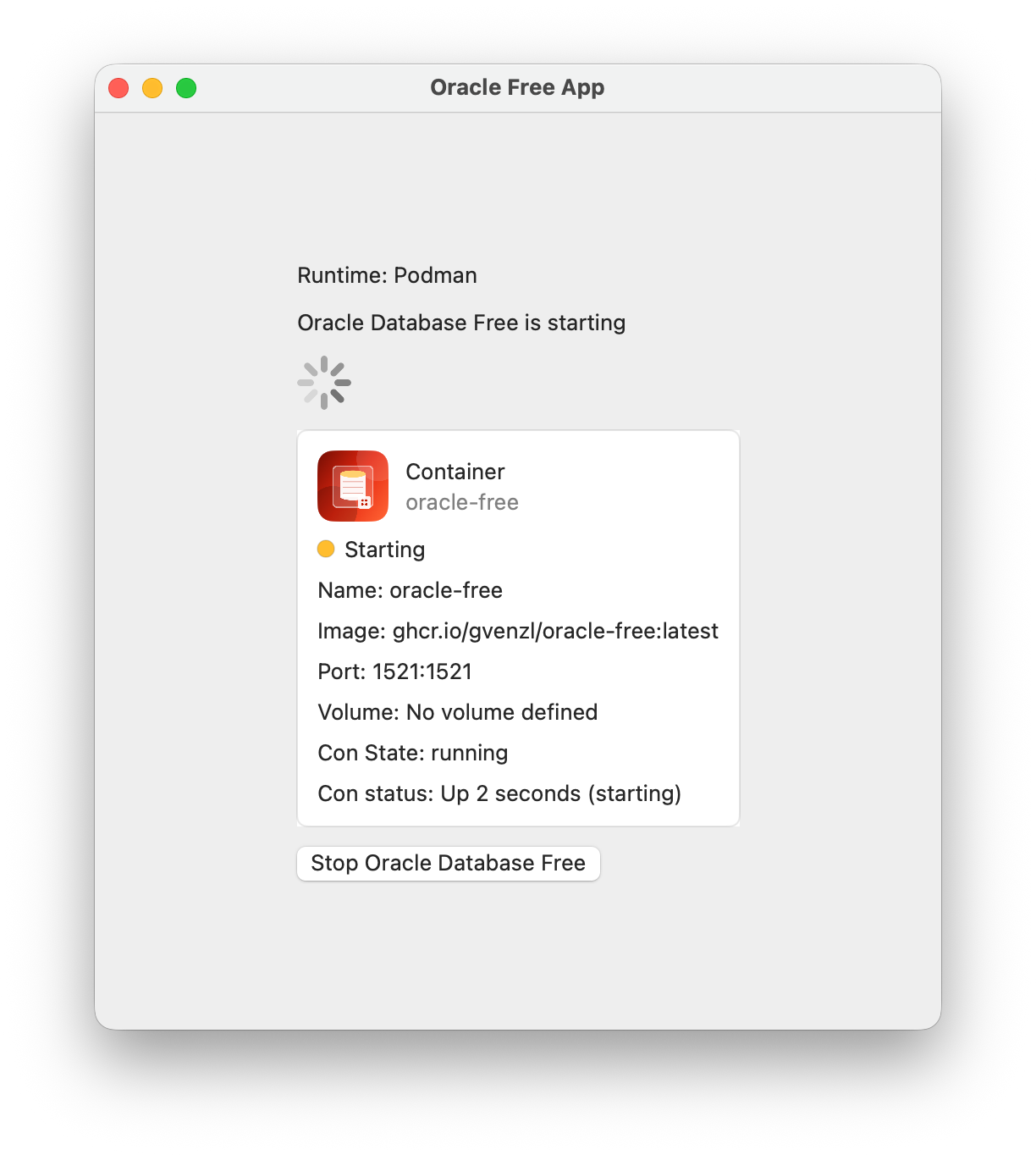
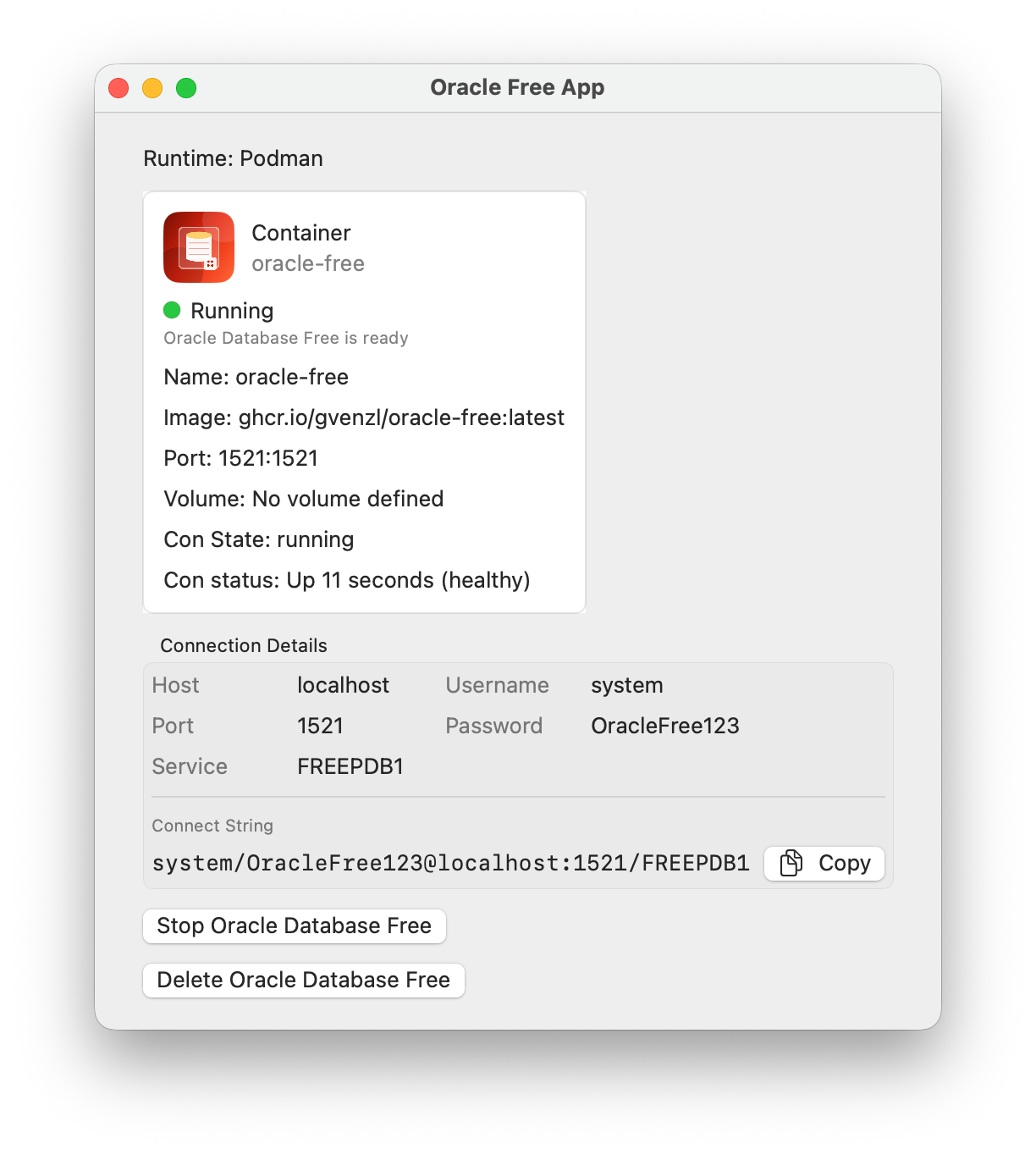
Once you hit the Create Oracle Database Free button, you will get a runtime status view of the container, and once started, a mini status dashboard:
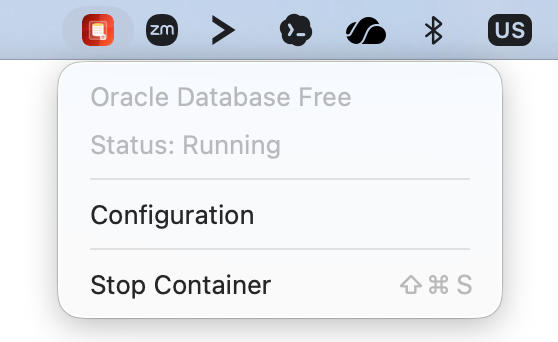
Along comes also a menu bar icon:
And voila:
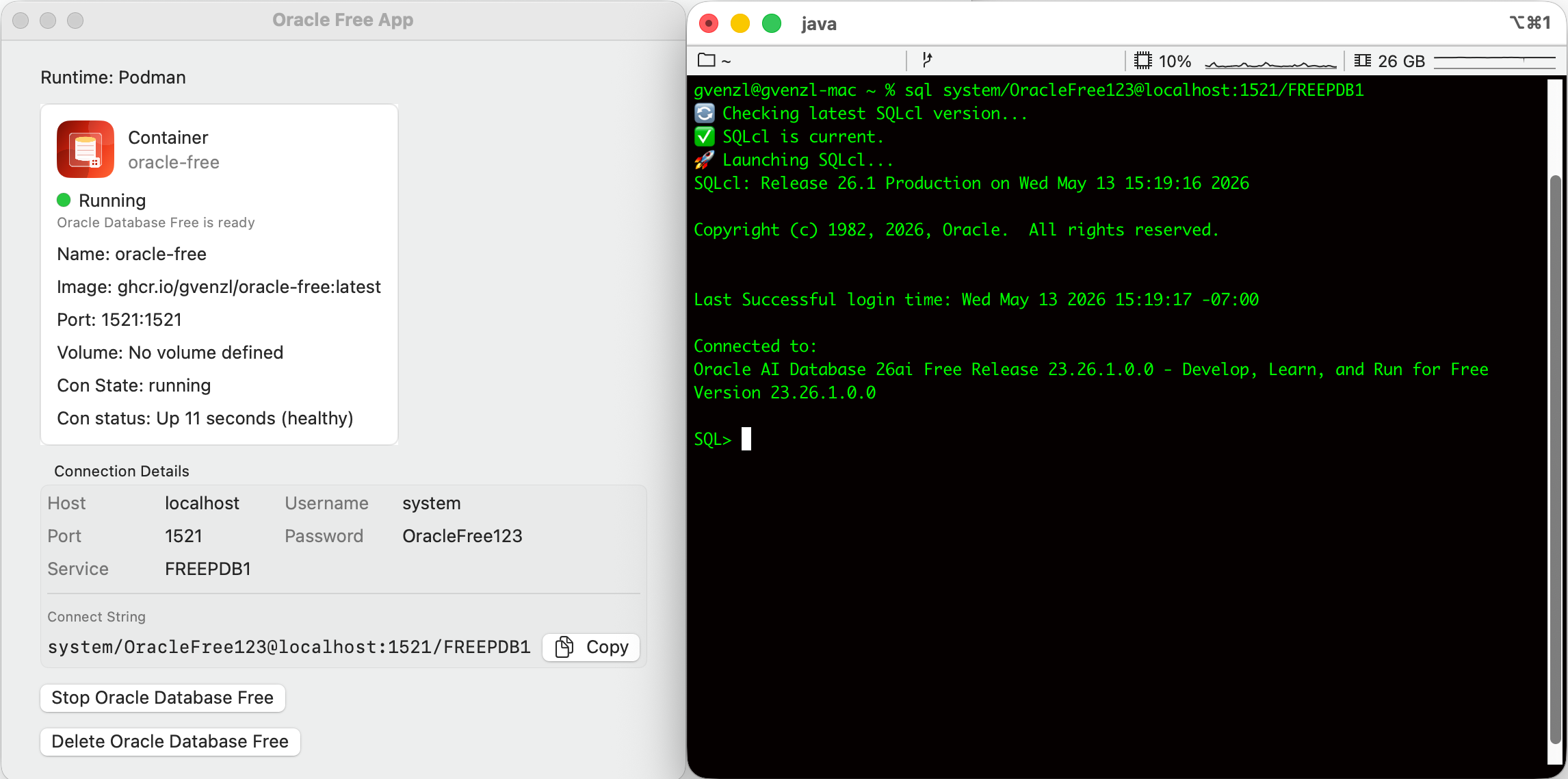
The Stop Oracle Database Free will stop the container and preserve it, while the Delete Oracle Database Free button will remove the container and ask you whether to remove the volume, if one was specified.
It’s small, it’s vibe coded, and it’s a start.